Build Your Binacional Squad & Formation

- Previous
- 1
- Next
Build your Binacional squad and formation using the real kit and badge, completely free with no sign-up required.
Whether you want to set up your ideal Binacional starting 11 for this season, recreate a classic lineup from a famous match, or build the ultimate Binacional dream team mixing legends and current stars, FootballUser gives you everything you need in seconds. Pick your formation, place your players, add your tactics and share it anywhere as an image.
How Binacional squad builder works
Hit the Create Formation button and the builder opens with Binacional's real kit and badge already loaded. Drag and drop players into your preferred Binacional lineup, choose your tactical shape: 4-3-3, 4-4-2, 4-2-3-1, 3-5-2, or any other system, and add names, notes, or squad numbers. When you're happy, export your lineup as a high-quality image or share it via a direct link. No account, no payment, no delay.
What fans use it for
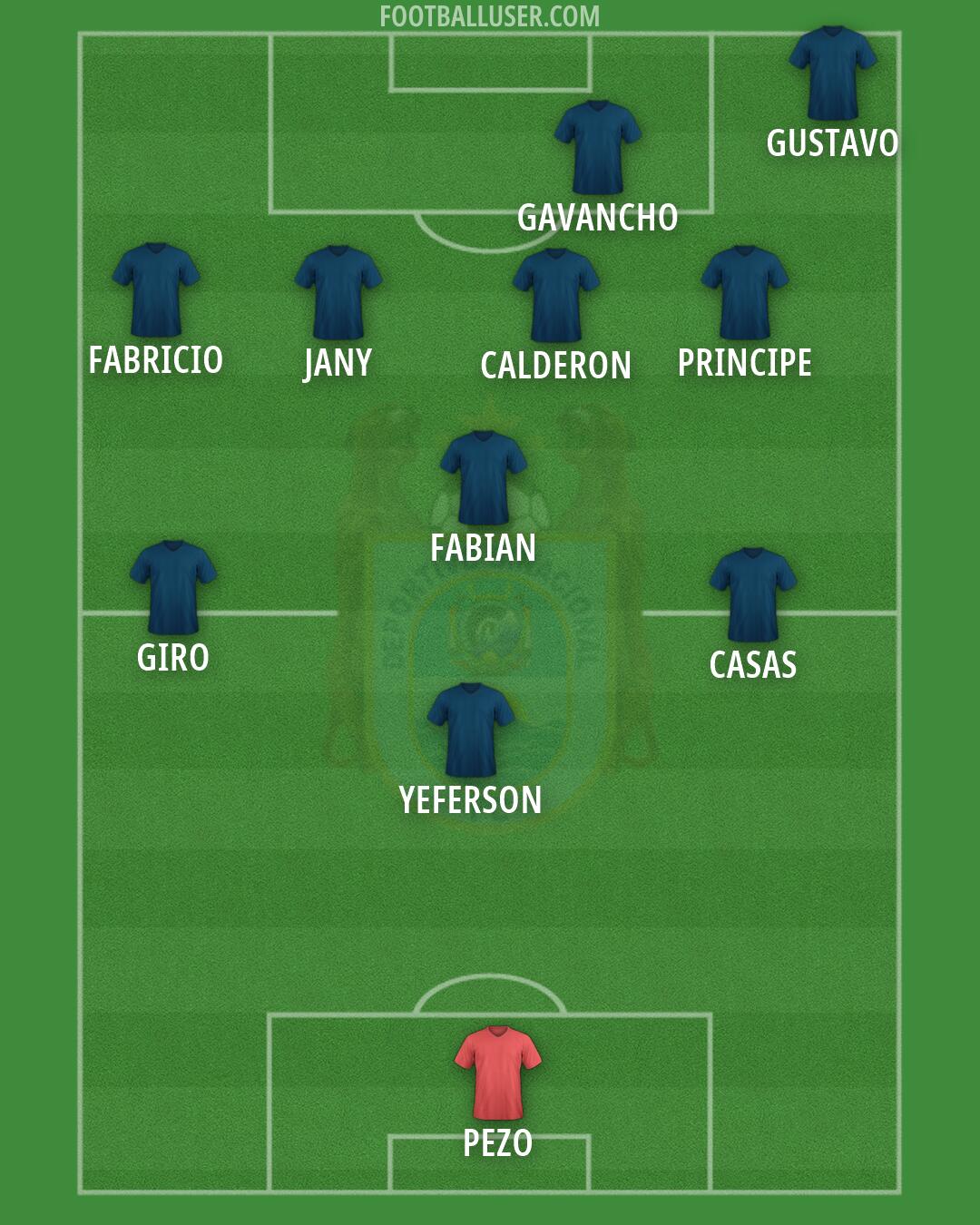
Every Binacional formation you see on this page was created by a real user. Fans use FootballUser to post their predicted starting lineup before matchday, debate tactics in group chats, create FC25 and FC26 squad builds, pick all-time best XI lineups, and share their dream team content on social media. The community has shared 1 Binacional lineups and counting...
Formations and tactics
Binacional fans tend to experiment with a wide range of systems. The builder supports every standard formation from 4-4-2 and 4-3-3 to high-press 4-2-3-1 and back-three setups, as well as small-sided formats like 5-a-side and 7-a-side.
Free forever, works on any device
FootballUser is 100% free with no limitations. It works on mobile, tablet, and desktop, no app download needed. Create as many Binacional lineups as you like, save them, and come back to edit any time.
Frequently asked questions
- How to build a Binacional squad online?
- With FootballUser you can pick your preferred Binacional starting XI, set your formation and share your squad as an image. Free, no account needed.
- How do I create a Binacional formation?
- Click the Create Formation button at the top of the page. Choose your tactical shape from 4-3-3, 4-4-2, 4-2-3-1 and more, place your players and export your Binacional formation as a shareable image. No account needed.
- Is the Binacional formation builder free?
- Yes. FootballUser is completely free with no account required. You can create and share as many Binacional lineups as you like at no cost.
- Can I build a Binacional dream team with legends?
- Yes. You can mix any players across any era to build your ultimate Binacional all-time XI. There are no restrictions on which players you add to your lineup.
- How many Binacional formations has the community shared?
- FootballUser users have shared 1 Binacional formations so far. New lineups are added every day.